Rieck Pay

Customers can pay while the invoice is open

The payment sits inside the document itself — in the invoice and in every reminder that follows. The customer picks card, MobilePay or bank transfer, and the amount is booked in the accounting system you keep your ledger in.

Several hundred companies have automated their flow with Rieck.

Oscar Biludlejning
Revision+
Din Hvidevare Service
CamVision
LokalBolig
LazzaWeb
CG El
Screenshot from Rieck Pay: the customer’s payment page with the sender, invoice number and the amount still outstanding at the top — 500 kroner left of a 1,000-kroner invoice — bank account and payment code below, card fields, and Apple Pay and Klarna buttons at the bottom, all on one page with no login.
How it is put together

The bill arrives with a way to pay it

  • One payment link all the way. The same payment sits in the invoice and in every reminder that follows, so the customer always has somewhere to pay.

  • The customer chooses. Card, MobilePay, FI code or direct debit — and the customer stays on your own document the whole way.

  • The amount finds its own entry. The payment is matched to the right invoice, reconciled and booked where you already keep your accounts.

How it works

What happens when a customer pays

The methods

Six ways to pay

The customer takes whichever suits them best. Either way, the money lands in the same place and is reconciled the same way.

  • Card, MobilePay and payment link on every plan
  • FI code for online banking from Pro
  • EAN and e-invoicing for public-sector customers
The payer

Payment happens on the customer’s own screen

The customer pays where the bill is — on the phone or the laptop, without setting anything up first. The shorter the way from bill to payment, the sooner the money is in your account.

  • The payment opens straight from the invoice
  • No sign-up and no login for the customer
  • The same screen on phone, tablet and desktop
Where it lands

The amount is booked where you keep your ledger

Every payment is matched to the open item it belongs to and booked automatically in the system you already use. Nobody in finance has to pull a file out or post it by hand.

  • Matched against open items the same day
  • Booked in e-conomic, Visma, Dinero, Billy or Uniconta
  • Paid out to your account the next day
Built in

Every dispatch repeats the payment option

The payment option lives inside the invoice and is repeated in every reminder — by email, SMS, letter or EAN. Every dispatch is receipted, so you can see it arrived.

  • The same payment link in the invoice and every reminder

  • A receipt for every dispatch
  • A printed letter for those who do not read email
The fee

One fee that gets smaller further up the plans

There is one fee when a payment goes through, and the card cost is counted in. No separate bill from an acquirer lands on top of it.

  • One fee per completed payment
  • The card cost is counted in
  • The rate falls the higher your plan
Customer cases

Three customers in three different trades

See all cases
  • An estate agent at her laptop Estate agency chain
  • A motorway junction seen from above Car rental across six countries
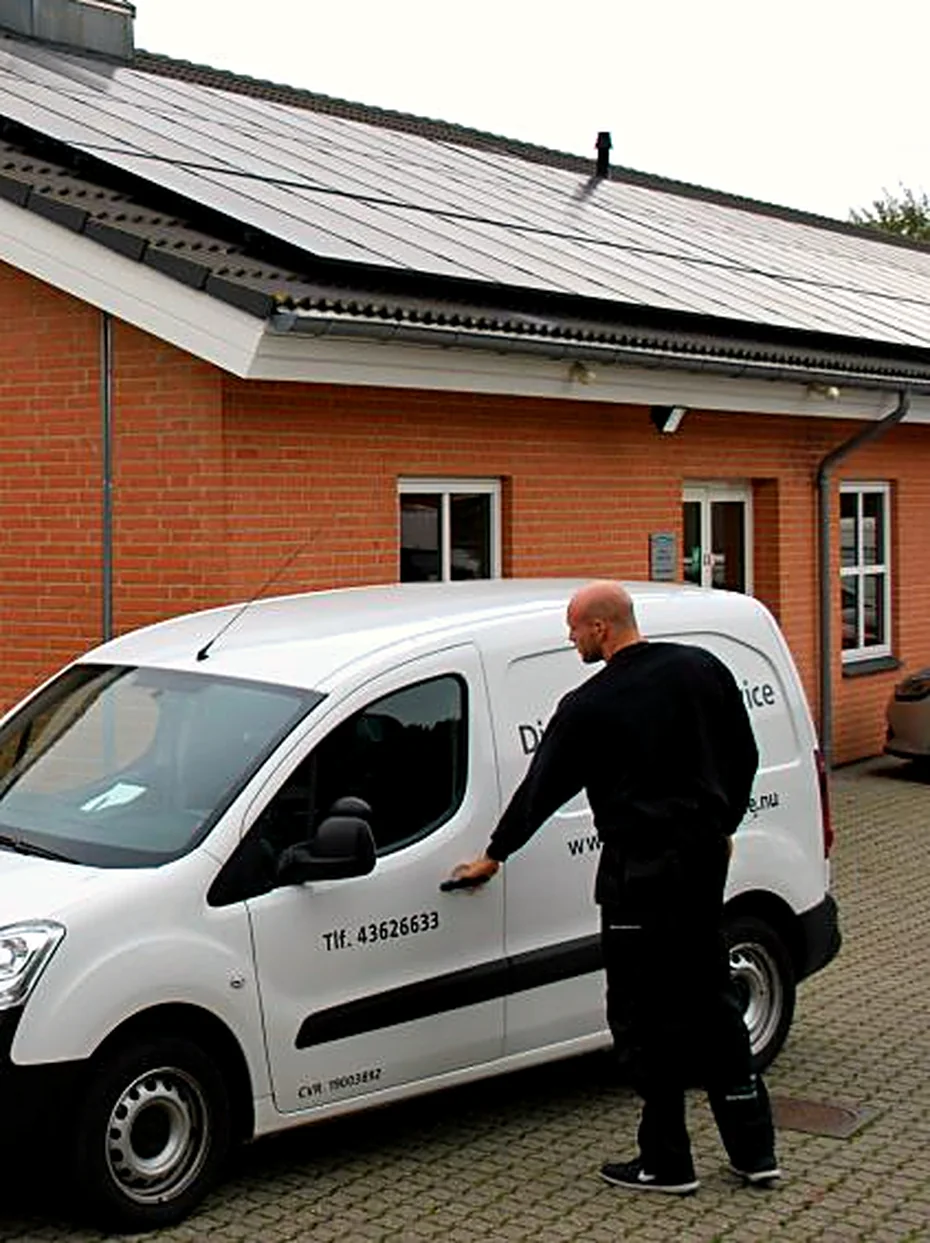
  • A Din Hvidevare Service technician at the service van outside the workshop Appliance service and repair

Try it on your own invoices

  • 30 days free
  • No payment card
  • One day’s notice